Sprite font catalog
Custom graphic glyphs (PNG atlases) to assemble words on canvas with desired spacing.
Sfonts is a specialized editor for textured, raster and sprite fonts. Create volumetric headers, neon effects and textured letters for games, previews and banners. Export with transparent background in a couple of clicks.
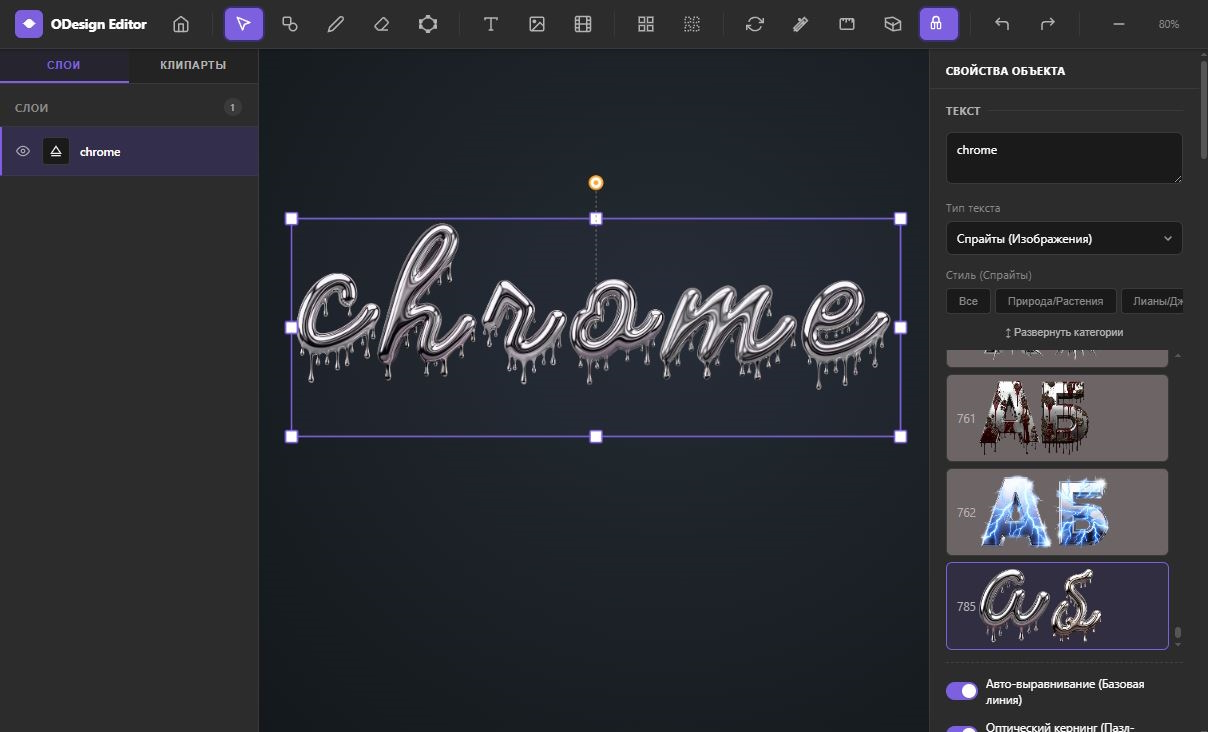
No more flat letters. Sfonts editor allows letters from ready-made sprite effects to imitate materials, metal, glow and volume on any standard or custom font.
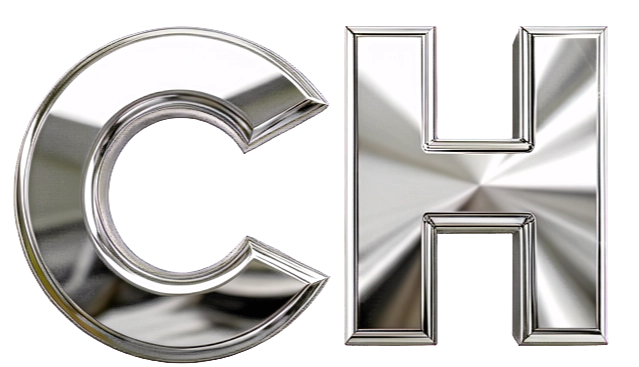
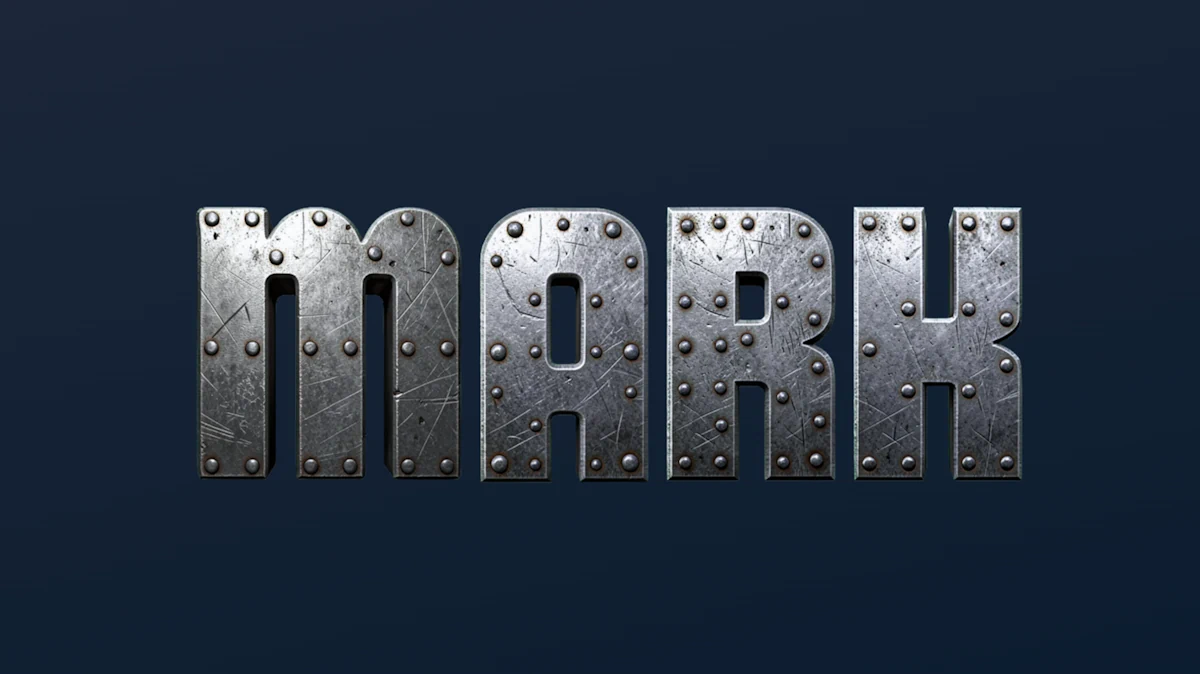
Effect of liquid metal, futuristic chrome and steel. Suitable for Y2K and cyberpunk style.
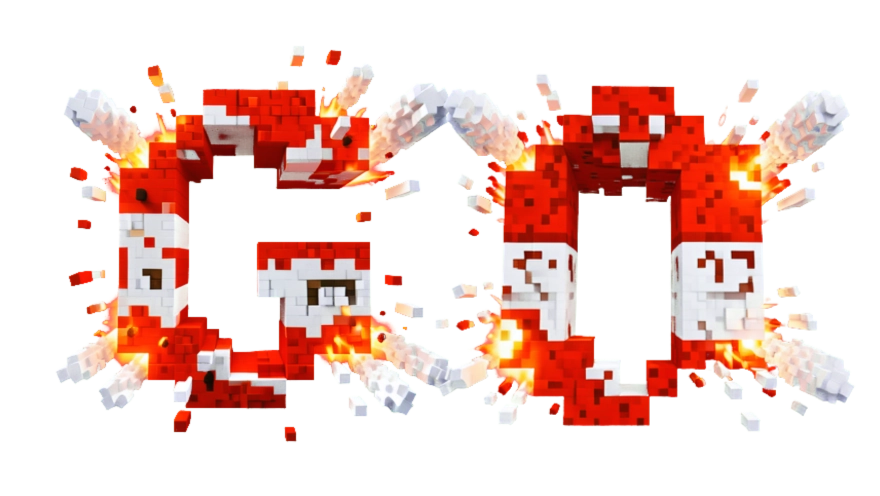
Game styles, strokes, pixel lettering and classic dense retro wave with background.
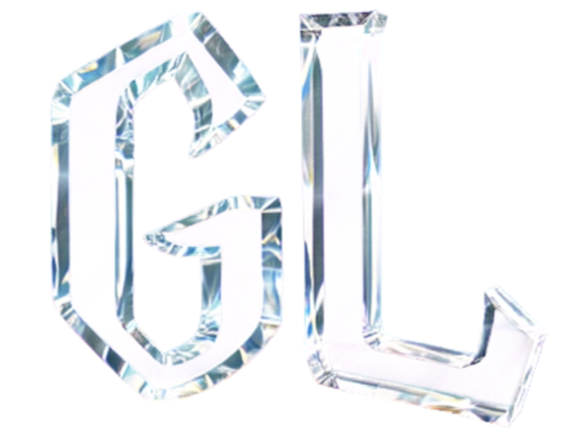
Semi-transparent glossy letters with highlights, refraction effect and background blur.
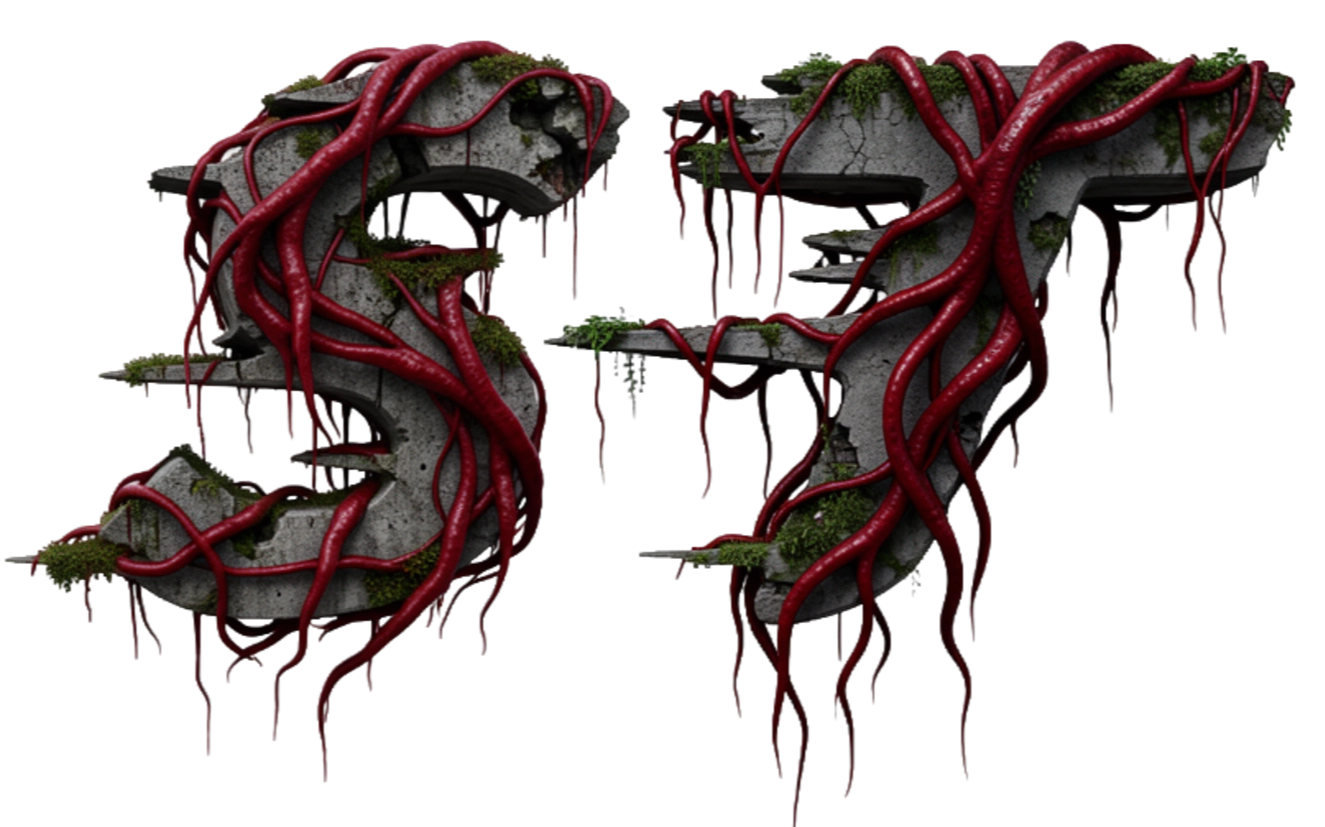
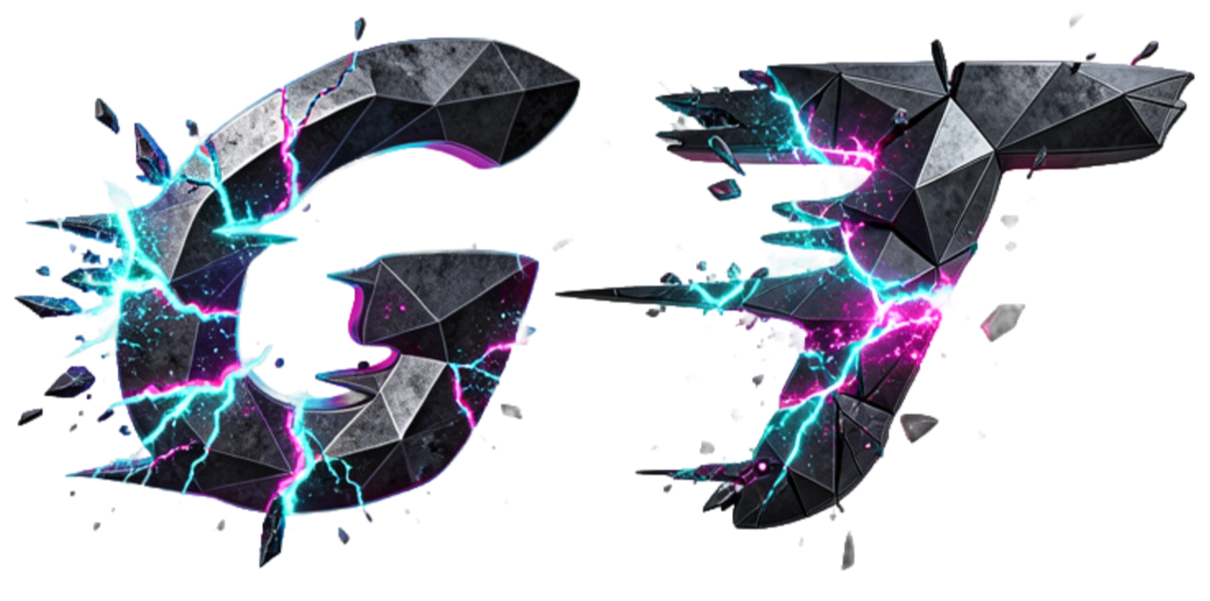
Heavy grunge and stone sprite effects with cracks and deep shading for fantasy UI.
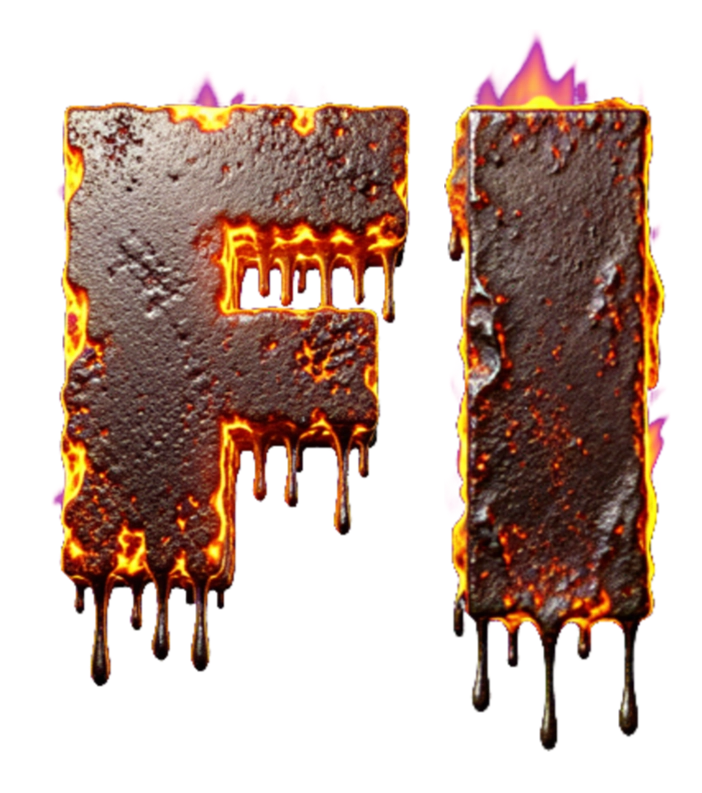
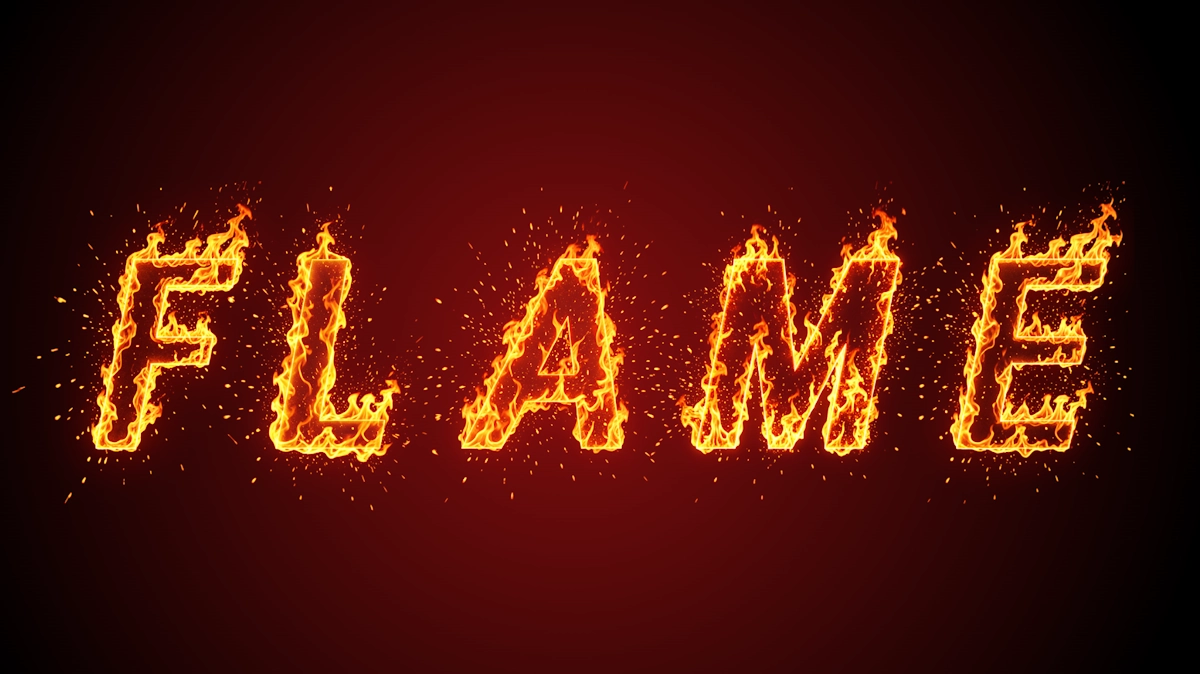
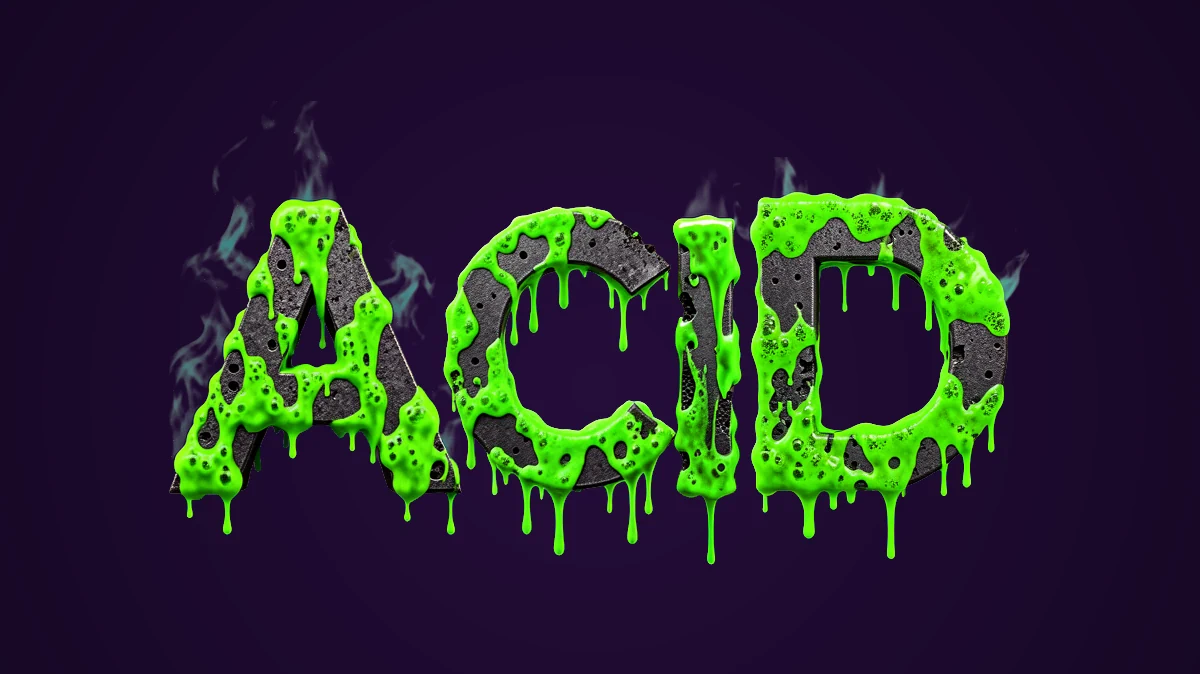
Effects of molten lava, water drops and glowing slime. Dynamic look for bright logos.
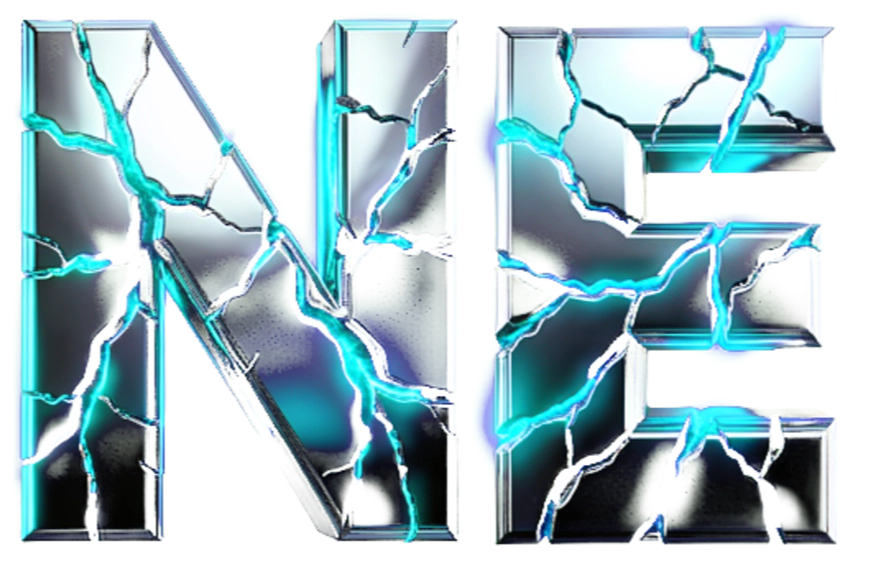
Soft and hard glow types, blurred halos and signs in dark urban style.
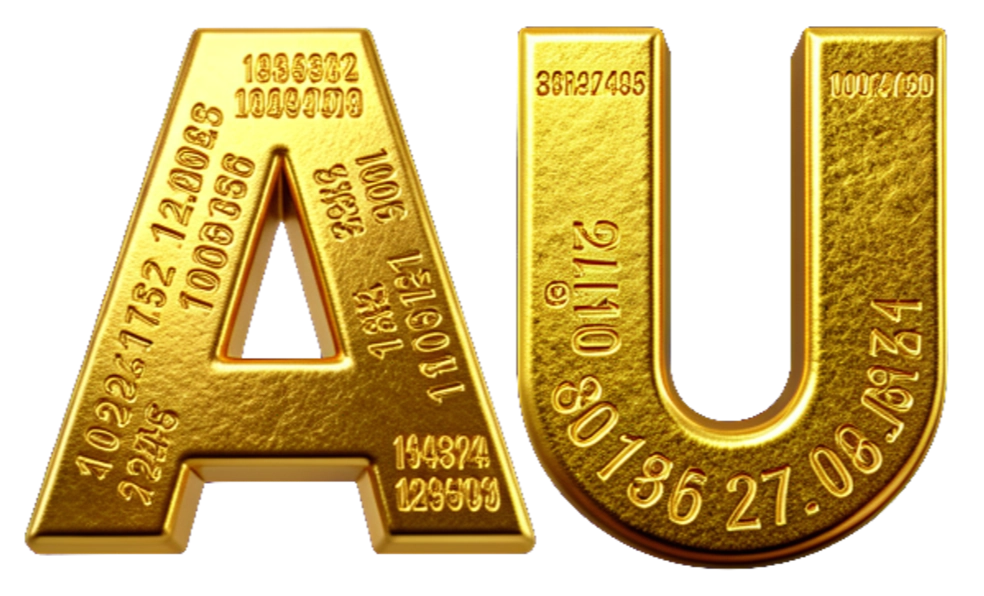
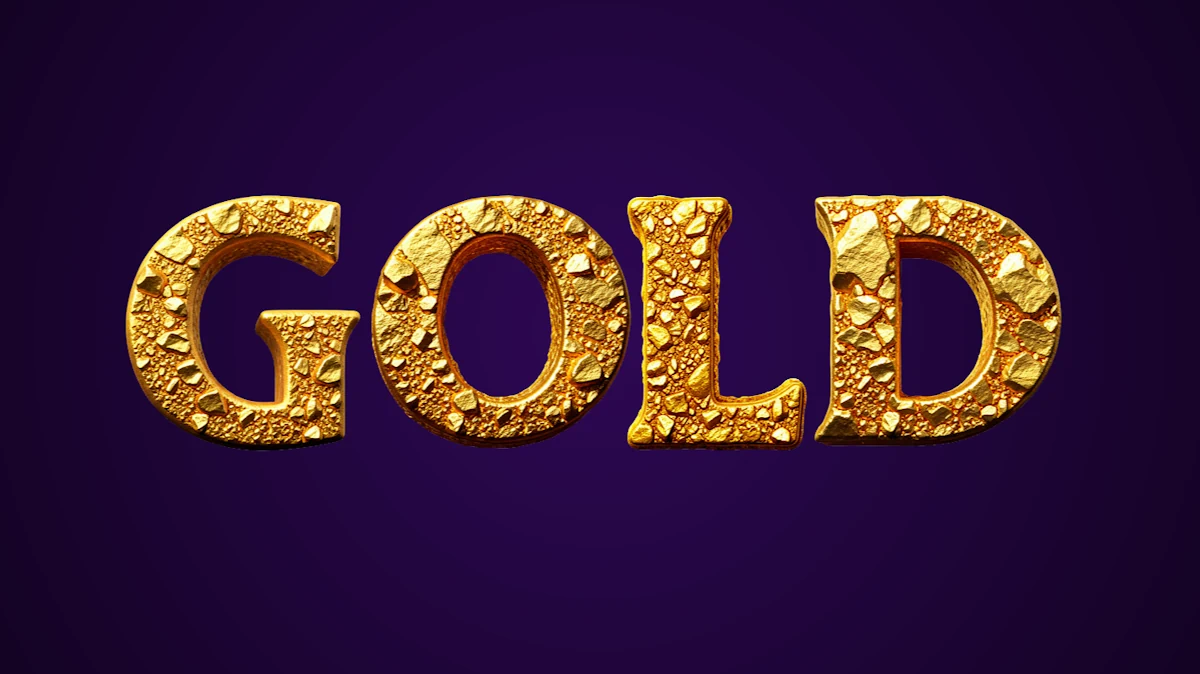
Imitation of gold ingots with precise adjustment of highlights, bevels and shadows.
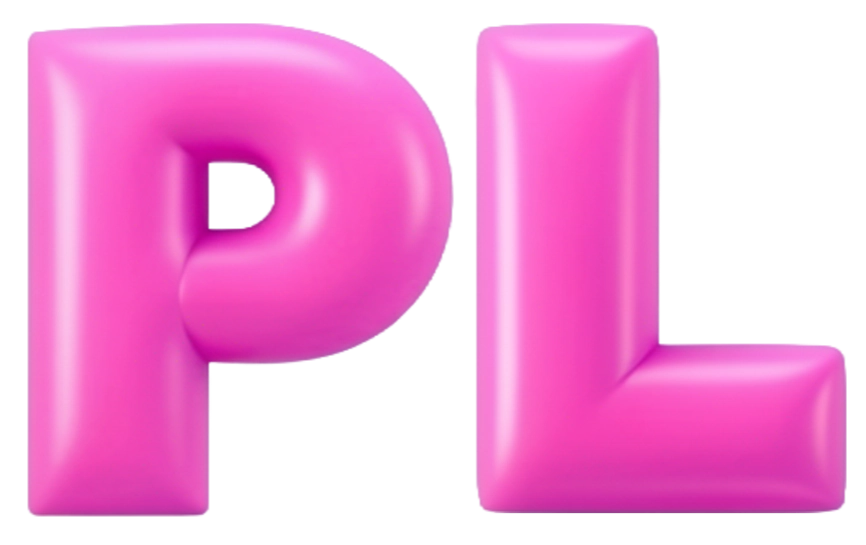
Volumetric caramel, jelly or plastic effect with pronounced circular reflections.
Digital interference, RGB channel shifts and horizontal texture stripes.
Combining the flexibility of vector design with the capabilities of raster post-processing in real-time.
Custom graphic glyphs (PNG atlases) to assemble words on canvas with desired spacing.
Overlay any raster textures (wood, rust, carbon, glitter) on font contours.
Bend text along an arc, wave, make perspective compression or place sprite fonts strictly in a circle.
Add unlimited number of strokes, shadows and glows to achieve complex graphic compositions.
Save finished letters without background in high resolution for instant transfer to Photoshop, Figma or Unity.
For vector base fonts, fine adjustment of stroke width, slant and aperture is available before rendering effects.
Move, rotate and scale individual letters manually to create a dynamic logo.
Choose any text tool, apply textures and configure volume effects directly on the built-in canvas.
Open the editor canvas and write a header. Choose a basic vector or raster sprite font.
Select material type: chrome, gold, glass, neon or apply any custom texture.
Apply Bevel effect, configure 3D bevel, light, shadow and set deformation along a curve.
Export a styled letter with transparent background for integration into your web project, preview or game.
A sprite font consists of graphic characters saved as separate raster images (or texture atlas). This allows creating complex 3D letters with layered realistic textures (metal, stone, wood, glitter) and maintaining the highest level of detail. In Sfonts you can use hundreds of ready-made sprite sets or upload your own for letter rendering.
The main export format is high-quality PNG with transparency support (alpha channel). Such letters can be directly overlayed on video, game interface or web page. Also available optimized WebP format for web design and vector SVG for basic geometric effects without raster textures.
Yes. Exported PNGs are perfectly suited for game UI. You can generate a single letter (e.g., a game logo or menu header) or a full sprite atlas (font map) containing all letters of the alphabet with your unique textures and effects for dynamic text output in the game.
Yes, the editor has an advanced contour deformation module. You can apply 3D bevels, glow and gradients effects, then bend the text along a curve, make it wave, distort in perspective or wrap it into a circle. All applied styles and sprites correctly adapt to the bend.
Select any letter directly on the canvas by clicking. You will be able to move it along X and Y axes, rotate at any angle and scale independently from the rest of the text. This is extremely useful when creating logos, when letters should slightly overlap or have different heights.
Open Sfonts in your browser and get access to chrome, gold, neon and game sprite fonts textures.